From completed trips to paid invoices.
Invoices for the facilities and payers you work with build themselves from the trips you actually ran, priced from your rate schedules, delivered securely, and tracked until paid.
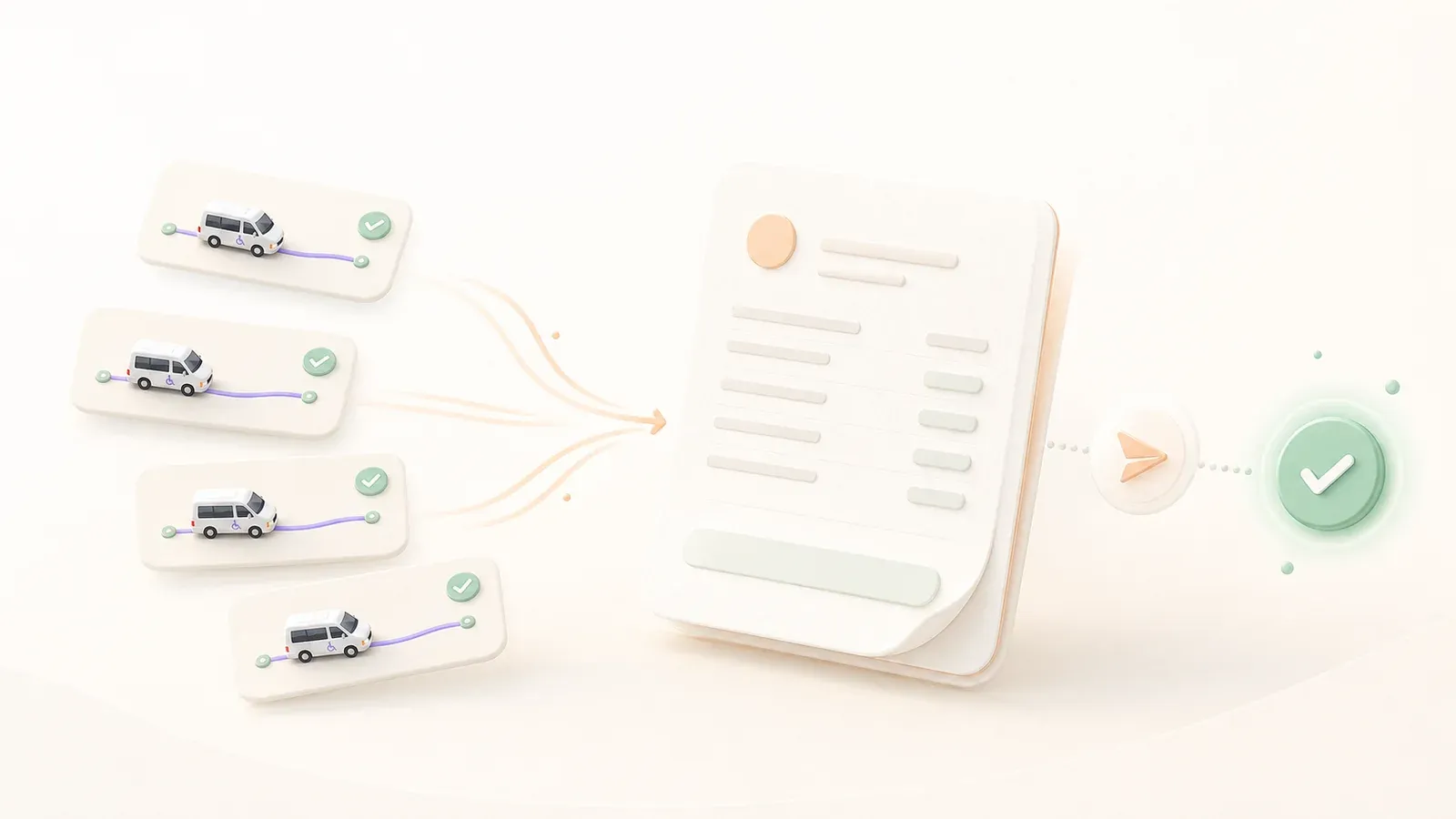
The invoice builds itself.
Choose the facility and the billing period, and HealthRide gathers every billable completed trip, priced correctly from that payer’s rates, into a ready invoice with a preview before anything sends. Month-end billing takes minutes instead of days.
An invoice that represents your company well. Your logo, clearly itemized trips, clean totals, and a pay-online button.
Facilities pay faster when the invoice is clear and professional.
Careful with patient privacy, down to the invoice. Invoices are delivered as secure links and stay private by default.
Passenger details appear only for payers you have specifically approved. The payer sees a current invoice and can pay online right there.
Track every invoice until the money arrives.
Every invoice tracks its own status: outstanding, paid, or past due, with due dates set automatically from each payer’s terms. The past-due list shows exactly who to follow up with, and payments match to invoices as they come in.
Your bookkeeping will keep up.
QuickBooks ready
Export invoices in the format QuickBooks imports directly.
Batch PDF export
Download a date range of invoice PDFs in one file for records or audits.
Adjustments welcome
Add fees or discounts to any unpaid invoice. Trip charges always match the ride.
Your numbering
Sequential invoice numbers with your own prefix.
Terms per payer
Net 15, 30, or 60, set once per payer and applied automatically.
Clean voids
Void an invoice and its links stop working while the books stay accurate.
Good questions, straight answers.
How automatic is it really?
Trips are priced when booked, completed trips flow into invoices, and due dates come from each payer’s terms. Your part is the judgment: review, send, and decide who needs a follow-up call.
How is patient privacy handled on invoices?
Invoices are private by default. Payers see trip records without personal details unless you have specifically enabled full detail for that payer. Delivery is by secure link rather than attachments sitting in inboxes.
Does it work with my accounting software?
Invoices export in QuickBooks’ own import format, PDFs download in batches for your records, and one ledger ties every payment to its invoice and trip.
It all works together.
See how HealthRide fits your company.
Book a short demo. We will walk you through the dispatch board, the driver app and billing, and answer your questions.